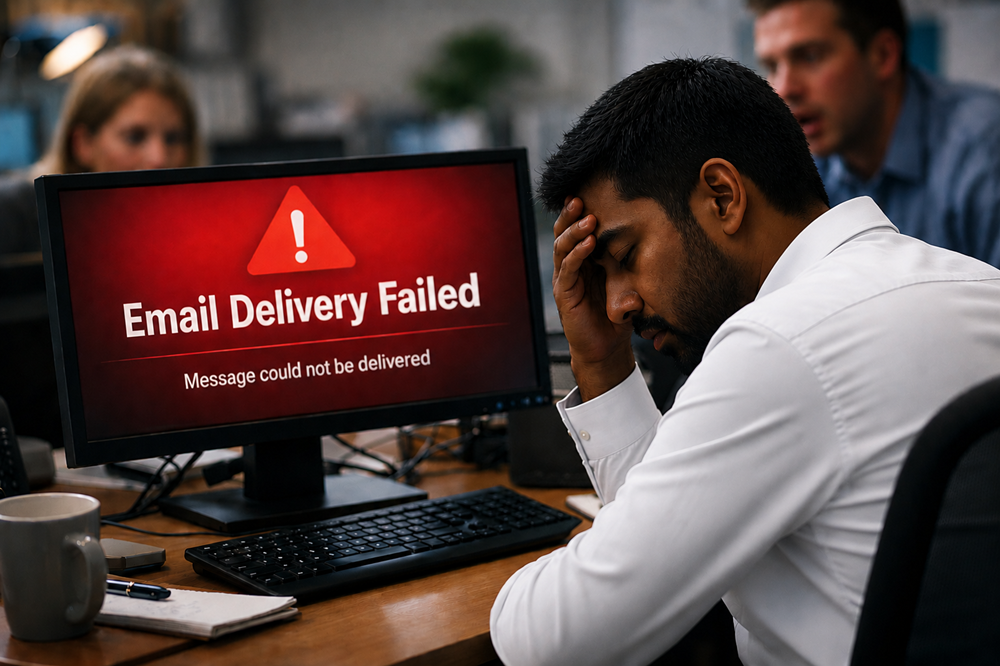

Discovering that your WordPress website has been hacked is never a pleasant start to the day.
Perhaps customers are being redirected to another website, Google is displaying a security warning, strange pages have appeared, or you simply can’t log in anymore. Whatever the first sign, the important thing is not to panic and start randomly deleting files.
A compromised website needs to be dealt with methodically. Here’s where to start.
1. Confirm what's actually happening
First, establish what has changed.
Check the website from another device or browser and make a note of anything unusual. Look for unexpected redirects, unfamiliar pages, new administrator accounts, altered content or security warnings.
If you can still access WordPress, don’t immediately start updating everything. You may destroy useful evidence or make it harder to understand how the compromise occurred.
Take screenshots and record when you first noticed the problem.
2. Contact your hosting provider
Your hosting company may be able to identify malicious files, unusual server activity or changes to the account.
Some providers will temporarily suspend an infected website to prevent malware spreading or protect visitors. That might feel inconvenient when you’re trying to get the business back online, but sometimes it’s the sensible option.
Ask whether they have clean backups available and whether they’ve identified suspicious activity.
Don’t restore anything just yet.
3. Change your passwords
If there’s a possibility that login credentials have been compromised, change them.
That includes WordPress administrator accounts, hosting control panels, FTP/SFTP accounts, database credentials where appropriate, and other accounts connected with managing the website.
Use strong, unique passwords rather than variations of the old ones.
If two-factor authentication is available, enable it. Also check administrator accounts and remove any you don’t recognise.
4. Don't automatically restore yesterday's backup
A backup can be extremely useful, but there’s a catch.
You need to know when the website was compromised.
If malicious code entered the site three weeks ago and you’ve been taking daily backups ever since, yesterday’s backup may contain exactly the same problem as today’s website.
Restoring it could make everything look normal while quietly putting the vulnerability straight back.
Before restoring a backup, establish as far as reasonably possible that it predates the compromise and is clean.
5. Find out how the attacker got in
Cleaning malware without addressing the original vulnerability is a bit like replacing the contents of a burgled shop but leaving the broken back door open.
Common entry points include outdated plugins, themes or WordPress installations, weak passwords, abandoned administrator accounts, compromised credentials and vulnerable hosting environments.
You should also check whether installed plugins and themes are still actively maintained.
If you don’t identify and fix the likely entry point, the website can simply be compromised again.
6. Clean the website properly
Removing a suspicious file you’ve spotted doesn’t necessarily mean the website is clean.
Malware can be hidden in multiple files, the database, plugin directories or other areas of the hosting account. Attackers may also create additional administrator accounts or mechanisms that allow them to regain access later.
Depending on the severity of the compromise, cleaning may involve replacing WordPress core files with clean copies, reinstalling trusted plugins and themes, inspecting the database and removing malicious code.
If you’re not comfortable doing this, this is the point where professional help is sensible.
7. Update and harden the website
Once you’re confident the website is clean, deal with the weaknesses that made the compromise possible.
Update WordPress, plugins and themes. Remove anything unnecessary. Review administrator privileges, enable two-factor authentication and make sure your PHP and hosting environment are properly maintained.
Set up reliable off-site backups and security monitoring as well.
The objective isn’t simply to get the homepage looking normal again. It’s to reduce the chance of ending up in exactly the same situation next month.
8. Consider what information may have been affected
For a simple brochure website, the impact may be relatively contained.
But if your WordPress website stores customer details, processes orders, manages memberships or holds personal information, a compromise deserves more careful attention.
Establish what data may have been accessed or exposed and keep a record of what happened and the steps taken in response.
Depending on the circumstances, UK data-protection obligations may also need to be considered.
Getting the website back online is only half the job
After a hack, there’s an understandable temptation to think: the website is working again, job done.
Not quite.
You need to understand what happened, remove the compromise, close the route used to get in and put measures in place to detect future problems.
Gtec Media provides WordPress website recovery, hardening and security support for businesses, helping to clean compromised websites, identify weaknesses and strengthen them against future attacks.
Because once you’ve spent an afternoon dealing with a hacked business website, prevention suddenly looks like a rather good investment.